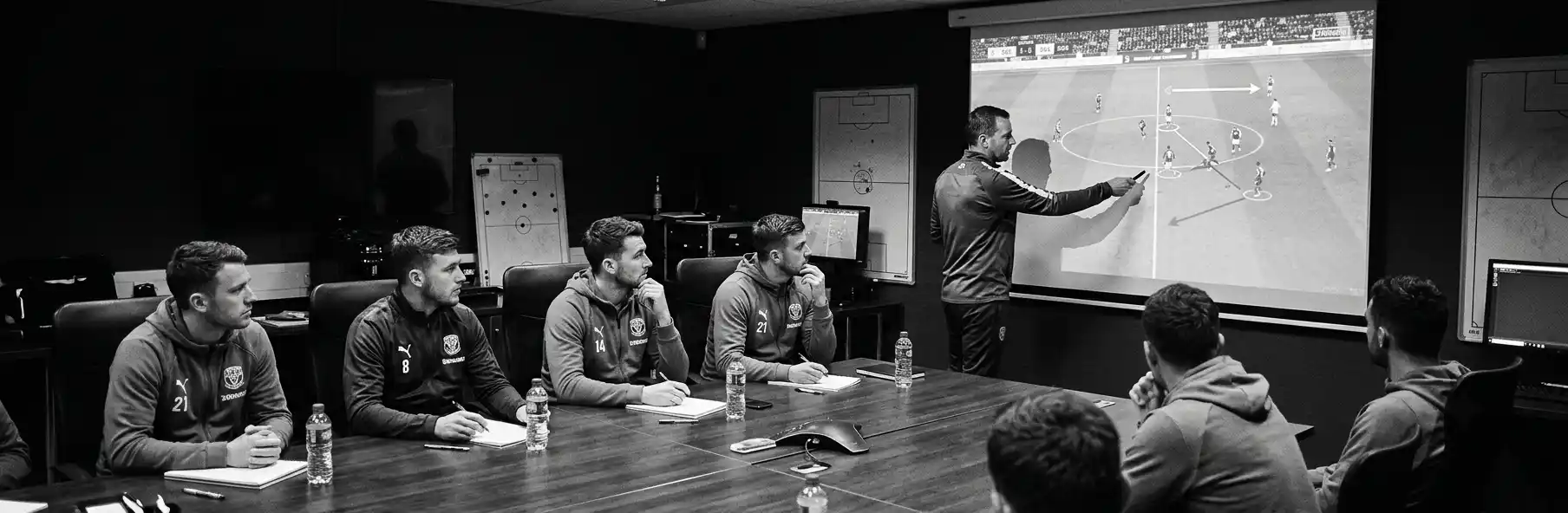
Post-Match Video in Football: 15-Minute Session, Units and Individual Clips
How to run post-match video analysis in football: from tagging on Sunday to a 15-minute team session, short unit meetings and individual clips sent to each player, with adjustments after a win, draw or defeat.
Written by
João Araújo
Physical Education Teacher (FADEUP – University of Porto) · Futsal Coach – Level II · UEFA B License · Master’s in Physical Education
15 years teaching Physical Education in schools, 20 years coaching futsal at youth development level and 5 years coaching football. Federated and amateur football and futsal player.
Sunday, a 2-1 defeat. The coach has the game recorded: 90 minutes and 22 players. On Monday morning, they open the video and find 40 moments they would like to show. If they show them all at Tuesday’s session, the squad switches off by the tenth. If they only show the goals conceded, the two centre-backs leave the room feeling they lost the game on their own.
In football, post-match video analysis works better on three levels: a short session for the team, short meetings by unit and individual clips sent to each player. This guide shows how to go from the recorded game to those three levels, quickly and without exposing anyone.
In this article
- What research says about video sessions
- From the final whistle to the session: the analyst’s calendar
- Three levels of feedback
- How to choose the clips
- The team session in 15 minutes
- Individual clips: what to send each player
- After a win, draw or defeat
- Common mistakes
What research says about video sessions
One study recorded and transcribed six post-match video sessions at a Premier League academy over a 10-month season. The coach controlled almost the whole session: they decided who spoke and when, had far more speaking time than the players, chose the topics and used questions mainly to select who would answer. The authors stress how important it is for coaches to be aware of the impact of these practices on player learning (Groom et al., 2012).
Another study followed the head coach of a youth squad at a professional academy, with 6 interviews and 10 observations of their sessions. The coach used video strategically, to meet the objectives they felt the club expected of them, and not only to teach (Booroff et al., 2015).
On the players’ side, interviews with 11 coaches and 12 players in elite youth football showed that psychological reactions during the session, the way the video is delivered and the climate in the room influence what video can achieve (Middlemas and Harwood, 2018).
In short: a video session is not neutral. Whoever prepares it decides what is seen, who speaks and how each player feels. It is worth deciding that on purpose.
From the final whistle to the session: the analyst’s calendar
Example for a team that plays on Sunday and trains on Tuesday, Thursday and Friday:
| When | Task | Time |
|---|---|---|
| Sunday evening | Watch the game and tag actions by category | 60 to 90 minutes |
| Monday | Choose the theme of the week, the team clips and each player’s clips | 45 minutes |
| Monday evening | Send the individual clips | 15 minutes |
| Tuesday, before training | Team session | 15 minutes |
| Tuesday, during activation | Unit meetings, if there is time | 5 to 8 minutes each |
If there is no analyst, the coach can tag just 4 or 5 categories on Sunday (for example, ball losses, recoveries, shots, set pieces and transitions). That is enough to choose the clips on Monday.
🔧 Useful Tool
Tag the game’s actions directly on the video timeline with SportsLabTools Football Video Analysis. Create categories such as “defensive transition” or “build-up”, filter by category on Monday and review each moment with one click, without searching the whole game.
Three levels of feedback
| Level | Who | Format | Content |
|---|---|---|---|
| Team | Whole squad | 15-minute session | One collective theme and the plan for the week |
| Unit | Defence, midfield or attack | 5 to 8-minute meeting | Coordination within the unit |
| Individual | Each player | 3 to 5 clips sent privately | Their own actions, good ones and ones to improve |
The main rule: a player’s mistake only appears in the team session if it is a team mistake. A centre-back who loses their marker at a corner because the team was badly organised can appear. A centre-back who misplaces a simple pass gets that clip privately.
How to choose the clips
Start with the theme, not the clips. Look at Sunday’s tagging and ask: “what weighed most on the result?”. Then choose the clips that show that theme.
| Criterion | Question to ask |
|---|---|
| Theme | Does this clip show the theme of the week? |
| Repetition | Did the situation happen at least 2 or 3 times in the game? |
| Context | Does the clip start early enough to show the cause, not just the consequence? |
| Balance | Are there clips of what went well, not only of what went wrong? |
| Length | Does it last between 8 and 15 seconds? |
Group the clips by pattern, not by match order. Three ball losses in the same channel, one after another, show a habit. Spread across 90 minutes, they look like chance.
The team session in 15 minutes
| Minutes | Content |
|---|---|
| 0-2 | The theme of the week, in one sentence |
| 2-5 | 2 clips of what went well in that theme |
| 5-11 | 3 to 4 clips of what needs to improve, grouped by pattern |
| 11-14 | One question to the group and the players’ answer |
| 14-15 | What we will train this week to fix it |
For the question, avoid always picking the same players to answer. Ask the unit involved (“defenders, what did you see here?”) and wait. If the coach always answers, players learn to listen rather than to read the game.
Individual clips: what to send each player
Individual clips are where video helps most in football, because each player has different jobs and the team session is never enough for everyone.
- 3 to 5 clips per player, no more.
- At least 2 of what went well. A player who only gets mistakes stops opening the messages.
- 1 or 2 of what needs to improve, with a short sentence explaining.
- A question at the end, for example: “In the second clip, what other option did you have?”.
- Sent privately, never in the team group.
For substitutes who played few minutes, choose clips from the week’s training or of their position in the game, even if they were not on the pitch. They also need to know what is expected of them.
🔧 Useful Tool
In SportsLabTools Football Video Analysis, filter the timeline by athlete to see only one player’s actions. With “Share analysis”, you create a public link, valid for 20 days, that shows the video and the timeline with no account and no install.
After a win, draw or defeat
| Result | Tone | Clips in the team session |
|---|---|---|
| Win | Demanding: correct while the mood is good | More clips to improve, because there is confidence to hear them |
| Draw | Balanced | Half good, half to improve |
| Heavy defeat | Calm and short | More clips of what went well, only the essential patterns to improve |
After a heavy defeat, make the session shorter, 10 minutes, and leave individual correction for the private clips. The goal is to prepare the next game, not to lose the last one again.
Common mistakes in post-match video analysis in football
- Showing 30 to 40 clips in a 45-minute session.
- Exposing individual mistakes in front of the squad when they could be dealt with privately.
- Clips without context, showing the goal conceded but not the misplaced pass 15 seconds earlier.
- The coach talks the whole time and questions only serve to pick who answers.
- Forgetting the substitutes, who get no clips for weeks.
- Holding the session at the end of the week, when the game is already behind everyone.
- Not linking the session to training. If the theme is defensive transition, the week needs defensive transition drills.
Checklist: post-match video analysis
- Actions tagged on Sunday by category
- Theme of the week chosen before the clips
- 15-minute team session, with clips grouped by pattern
- At least 2 clips of what went well in the team session
- One question to the unit involved, with time to answer
- 3 to 5 individual clips sent privately to each player
- Substitutes included in the individual clips
- Tone adjusted to the result
- The week’s drills linked to the session’s theme
See also: Pre-Match Video in Football: Weekly Plan, Unit Meetings and Set Pieces shows how to continue the video week, from the game review to preparing for the next opponent.
Sources
All sources have the full text available for free.
- Groom, R., Cushion, C. J. and Nelson, L. (2012). Analysing coach–athlete ‘talk in interaction’ within the delivery of video-based performance feedback in elite youth soccer. Qualitative Research in Sport, Exercise and Health, 4(3), 439-458. Accepted version in the University of Hull repository.
- Booroff, M., Nelson, L. and Potrac, P. (2015). A coach’s political use of video-based feedback: a case study in elite-level academy soccer. Journal of Sports Sciences, 34(2), 116-124. Accepted version in the Edge Hill University repository.
- Middlemas, S. and Harwood, C. (2018). No place to hide: football players’ and coaches’ perceptions of the psychological factors influencing video feedback. Journal of Applied Sport Psychology, 30(1), 23-44. Accepted version in the Loughborough University repository.
Conclusion
Post-match video analysis in football does not fit in a 45-minute session with everything that happened in the game. It fits in a 15-minute team session with a single theme, short unit meetings and 3 to 5 clips sent to each player. That way, the squad leaves the room with one clear idea for the week, and each player knows what they did well and what they need to improve, without being exposed in front of their teammates.
Tag the game, choose the clips and share them with each player in SportsLabTools Football Video Analysis.
Optional accelerator · the tool is always free
Start tagging matches without spending hours building categories
An analysis model with 12 categories and more than 60 actions organised by game moment, already carrying individual/collective context and pitch and goal location. Import it and tag your first clip right away.